Overview
The tenant web app helps a business manage everything around bookable services, workshops, and customer reservations.
What the app is for
Publish services and sessions that customers can book.
Manage bookings, statuses, guests, pricing, and notes.
Maintain customers, locations, resources, and capacity rules.
Control team access using profiles, permissions, and invitations.
How users get in
Each organization normally uses its own subdomain. Users authenticate through the accounts host, select a workspace, and then land in the tenant application.
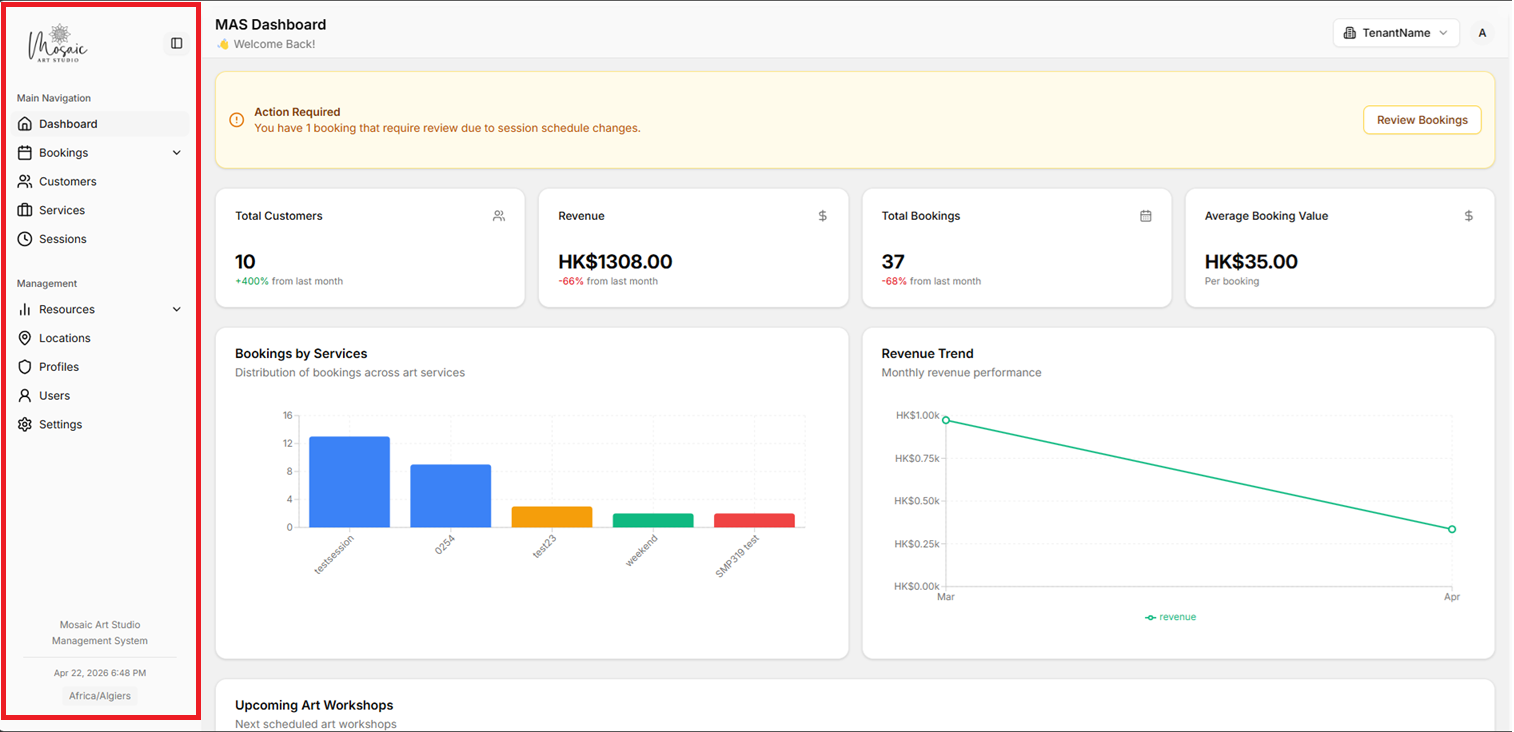
Tenant application sidebar with the main workspace navigation.
Core concepts
Service is what the customer books.
Session is a scheduled date and time for a service.
Booking is a reservation tied to a customer and session.
Permissions decide which pages and actions appear for a user.
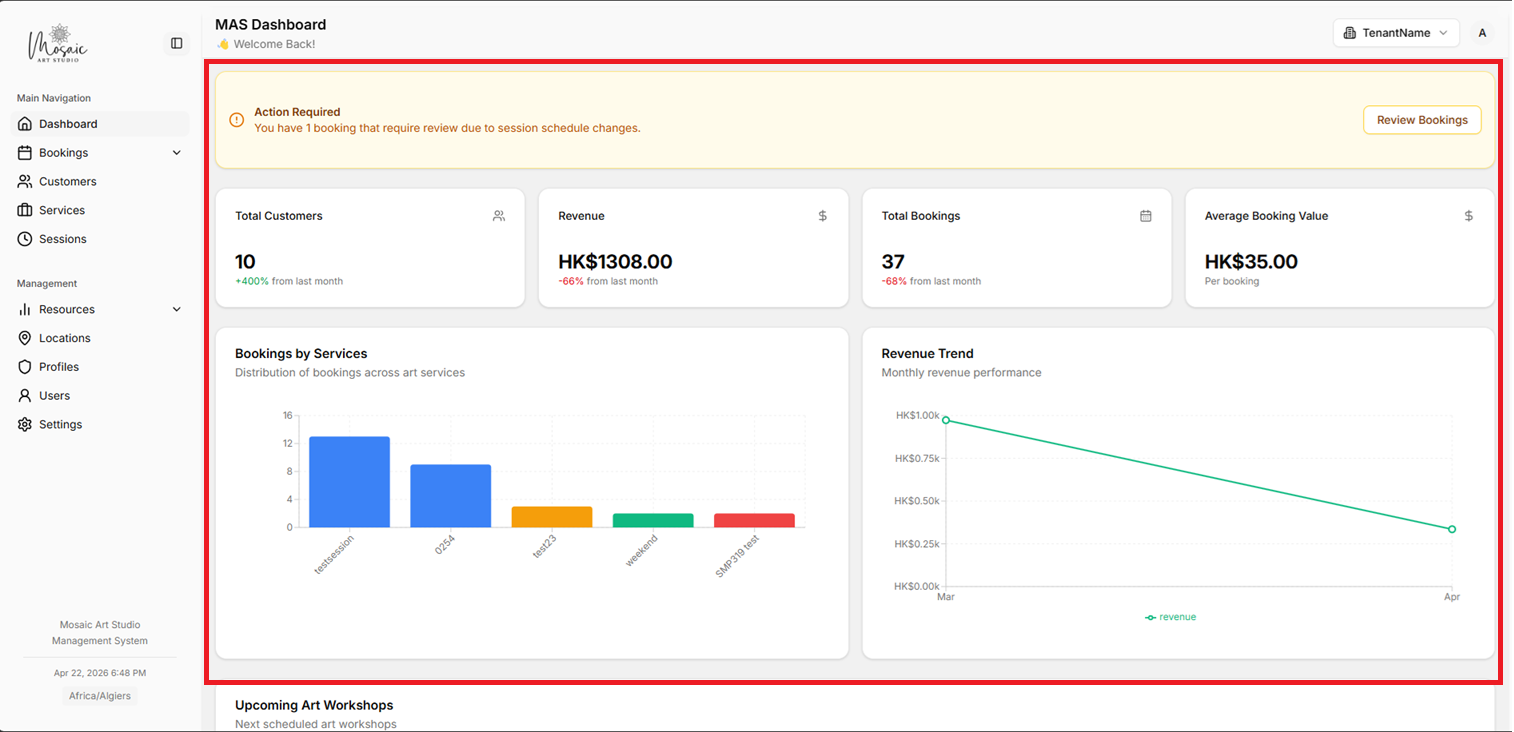
Dashboard home page with key metrics and reporting widgets.
Note
This guide focuses on the management application used by internal teams rather than the public booking experience used by customers.