Sign in and registration
Identity and workspace selection happen on the accounts host. After authentication, the platform routes users into the correct tenant workspace.
Sign in
Open the accounts site and go to the login page.
Enter email and password.
If a redirect URL was included, it is preserved after login.
Successful sign-in usually leads to workspace selection.
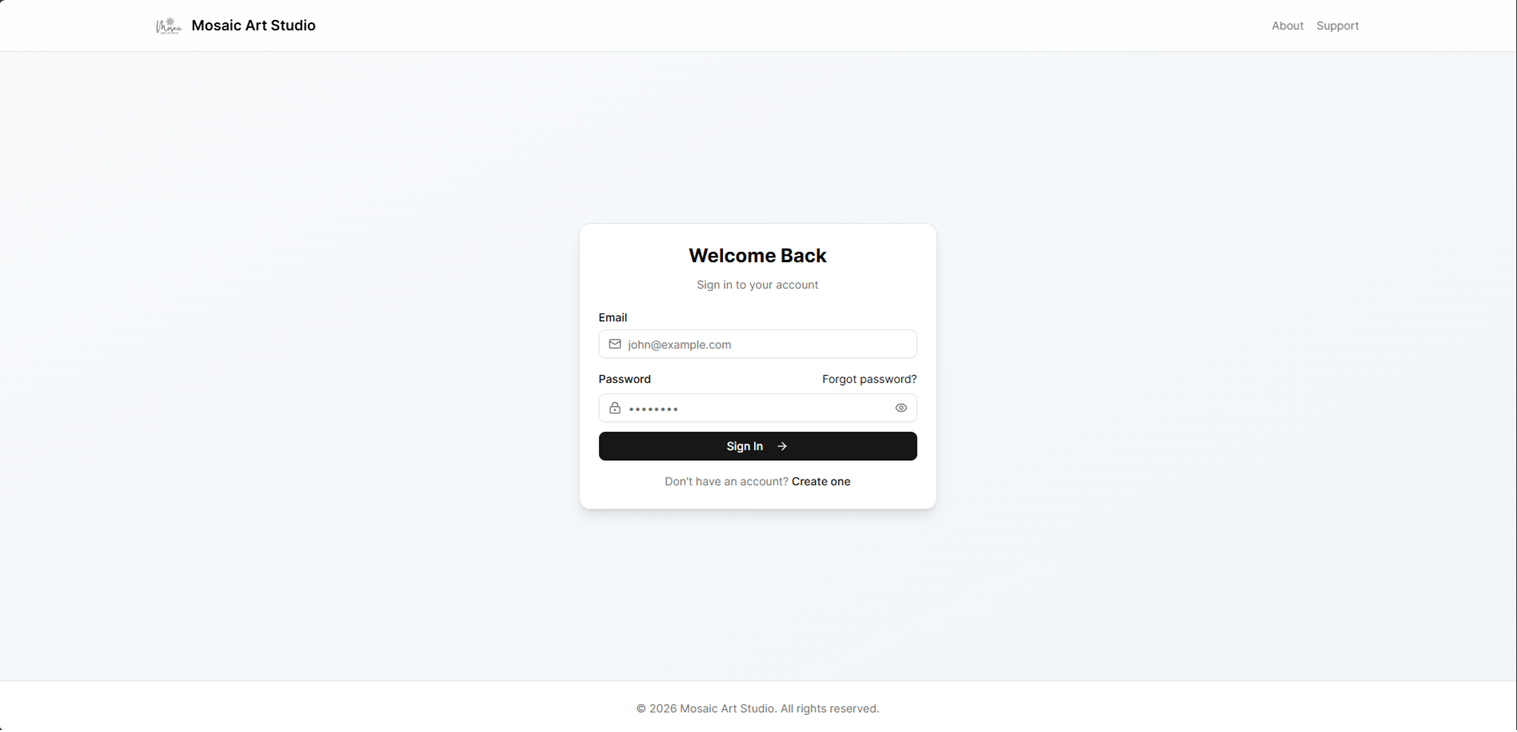
Accounts portal login screen.
Registration and verification
New owners register with name, email, and password.
Email verification uses a 6-digit code.
If no workspace exists yet, onboarding creates the first one.
Onboarding typically sets workspace name, slug, timezone, currency, and language.
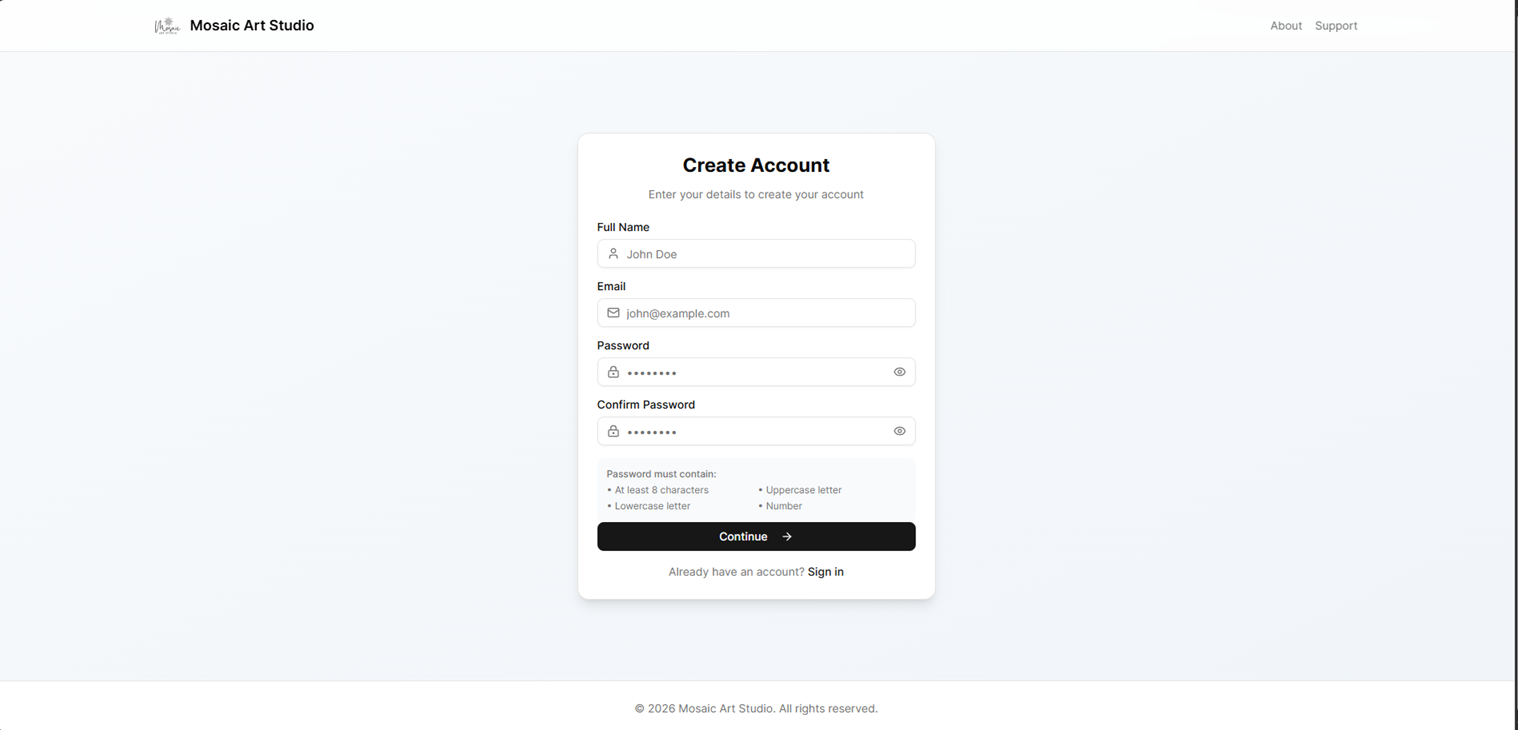
Account registration form for a new user or workspace owner.
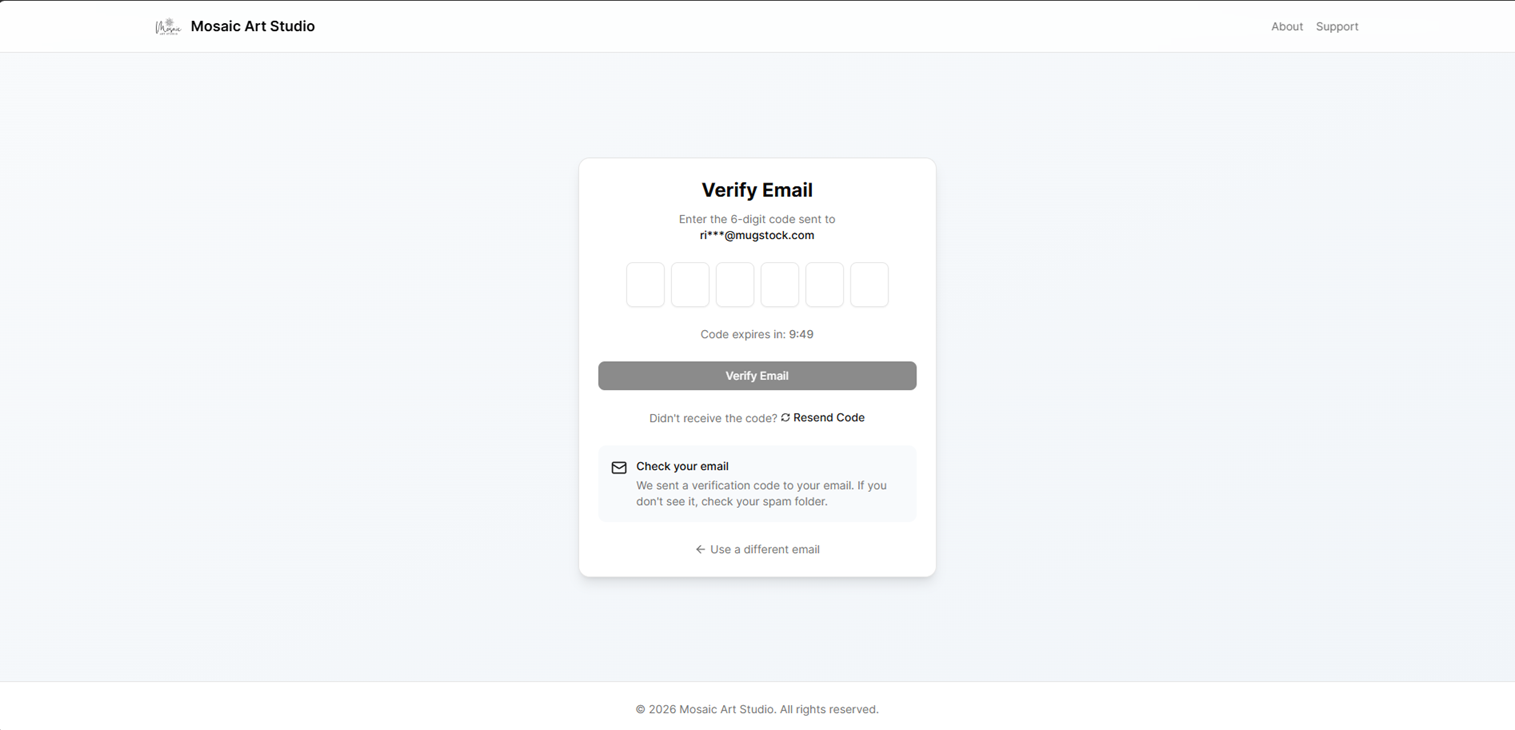
Email verification step with the one-time confirmation code.
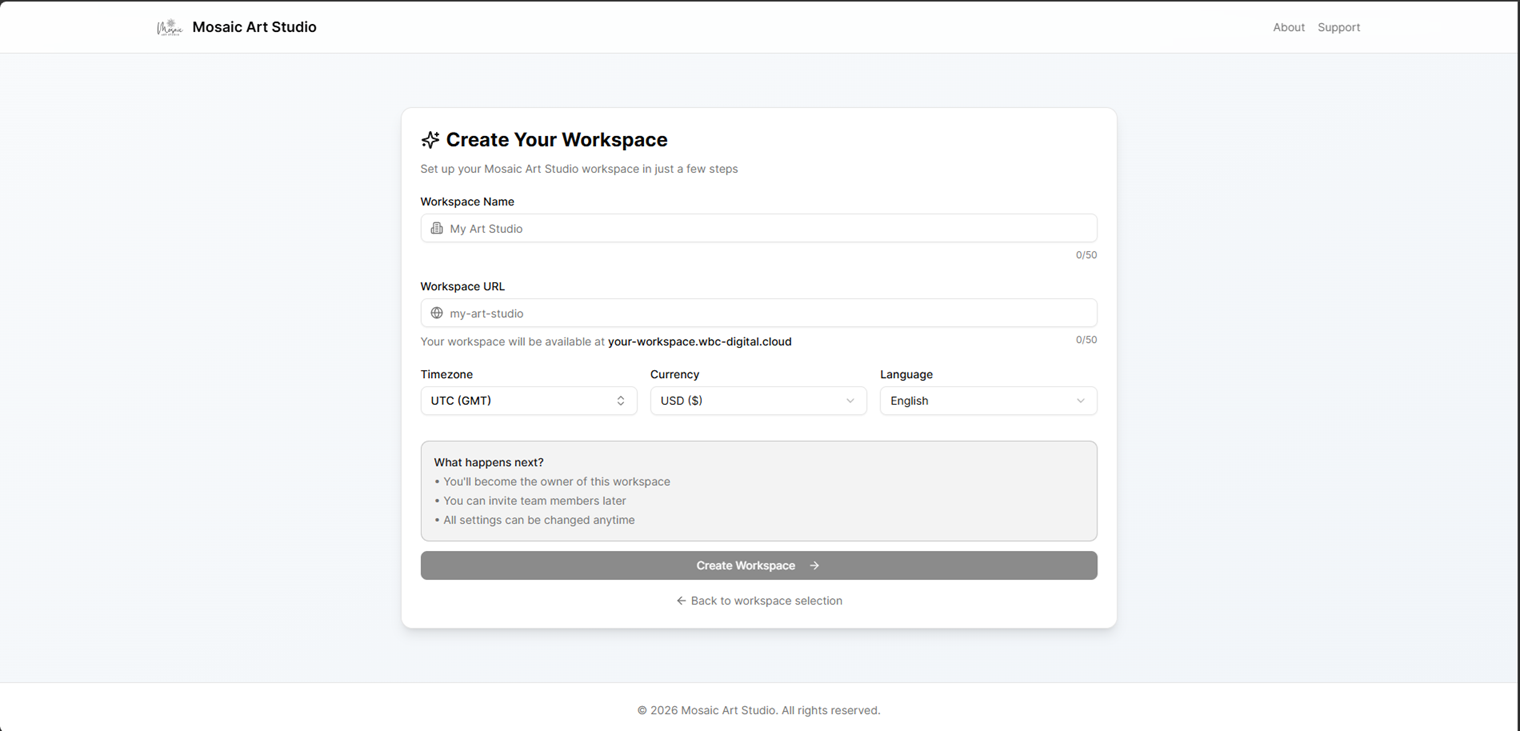
Initial workspace setup form used during onboarding.
Select workspace
Users with access to multiple workspaces choose which organization to open. If only one workspace is available, the platform may redirect automatically.
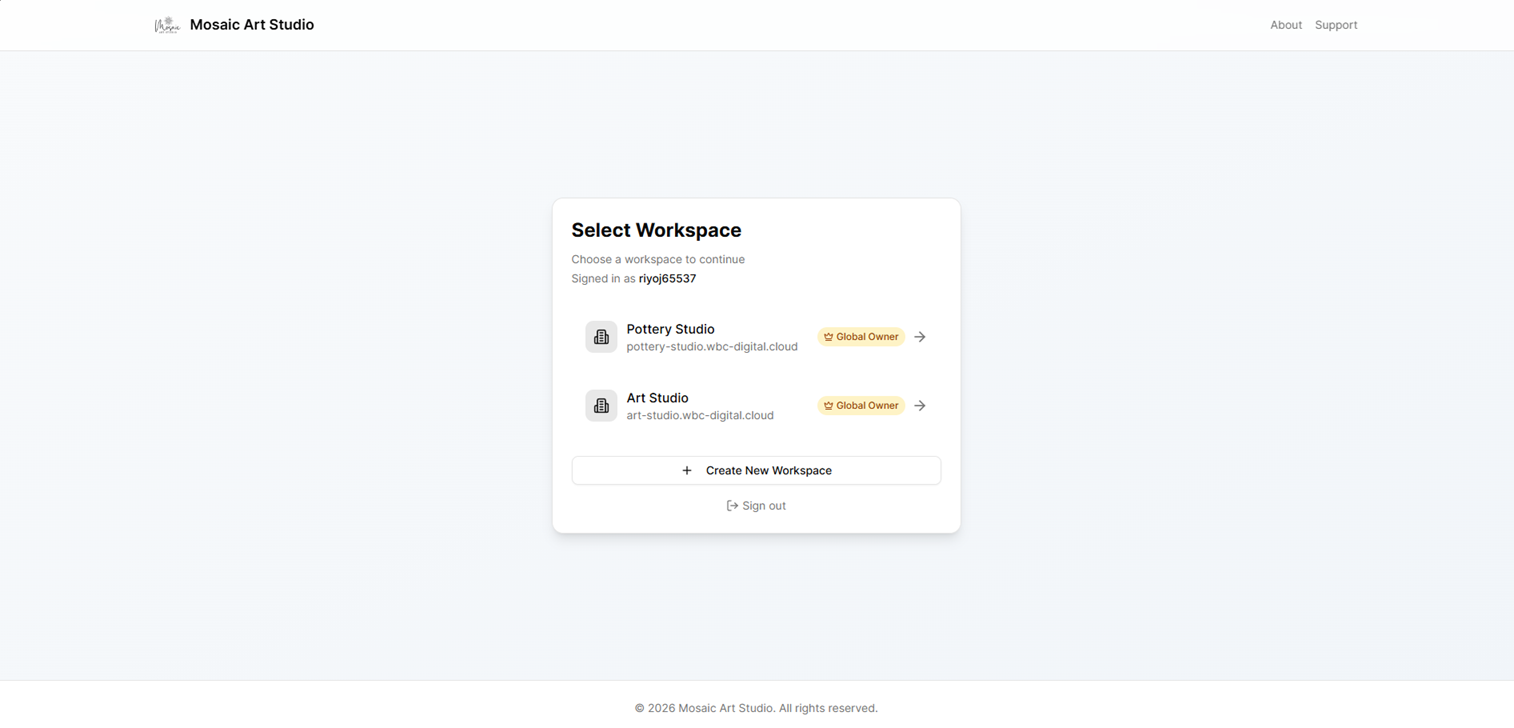
Workspace picker for accounts that can access more than one organization.
Password reset and invitations
The accounts host also handles password reset links, new-user invitation confirmation, and acceptance flows for existing users joining a workspace.
Note
Useful accounts routes often include /login, /register, /verify, /select-tenant, /onboarding, and password-reset or invitation acceptance routes.